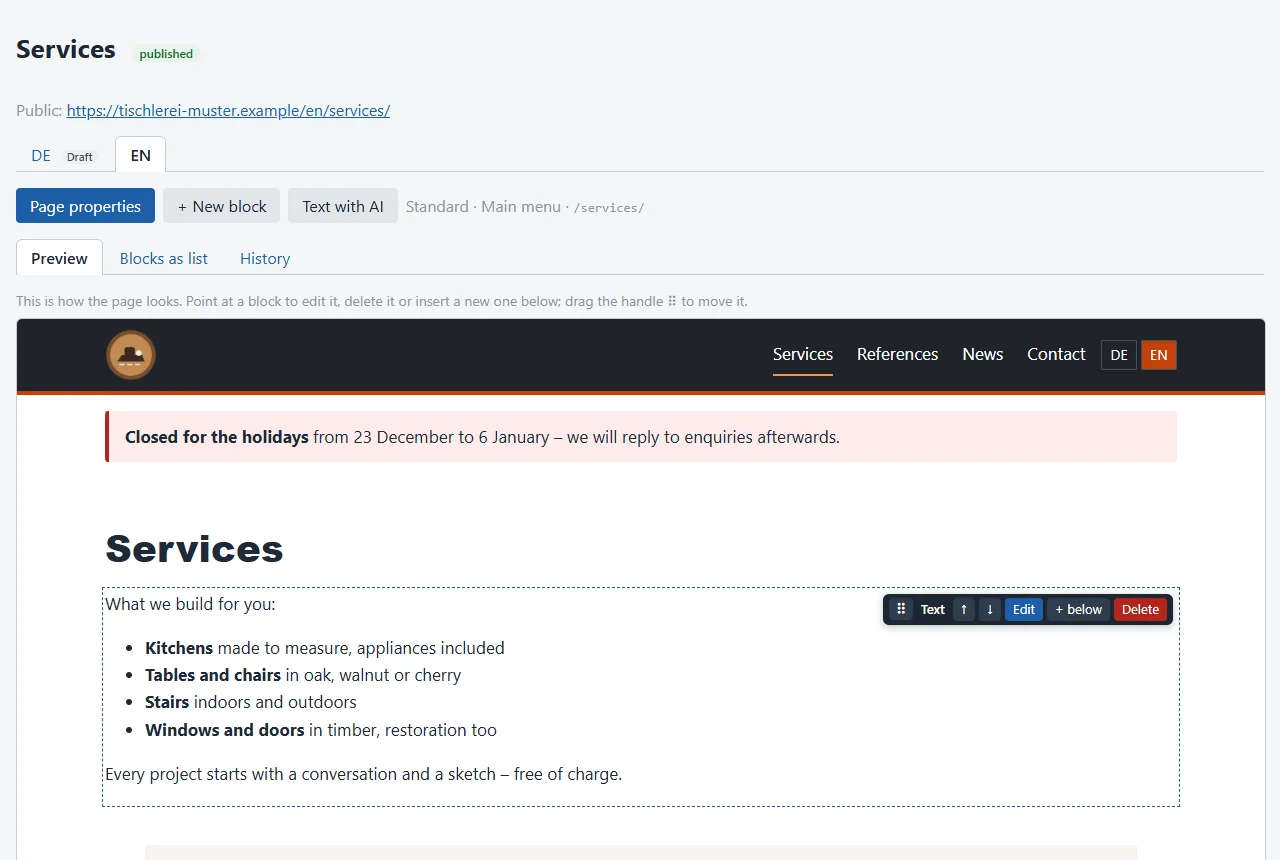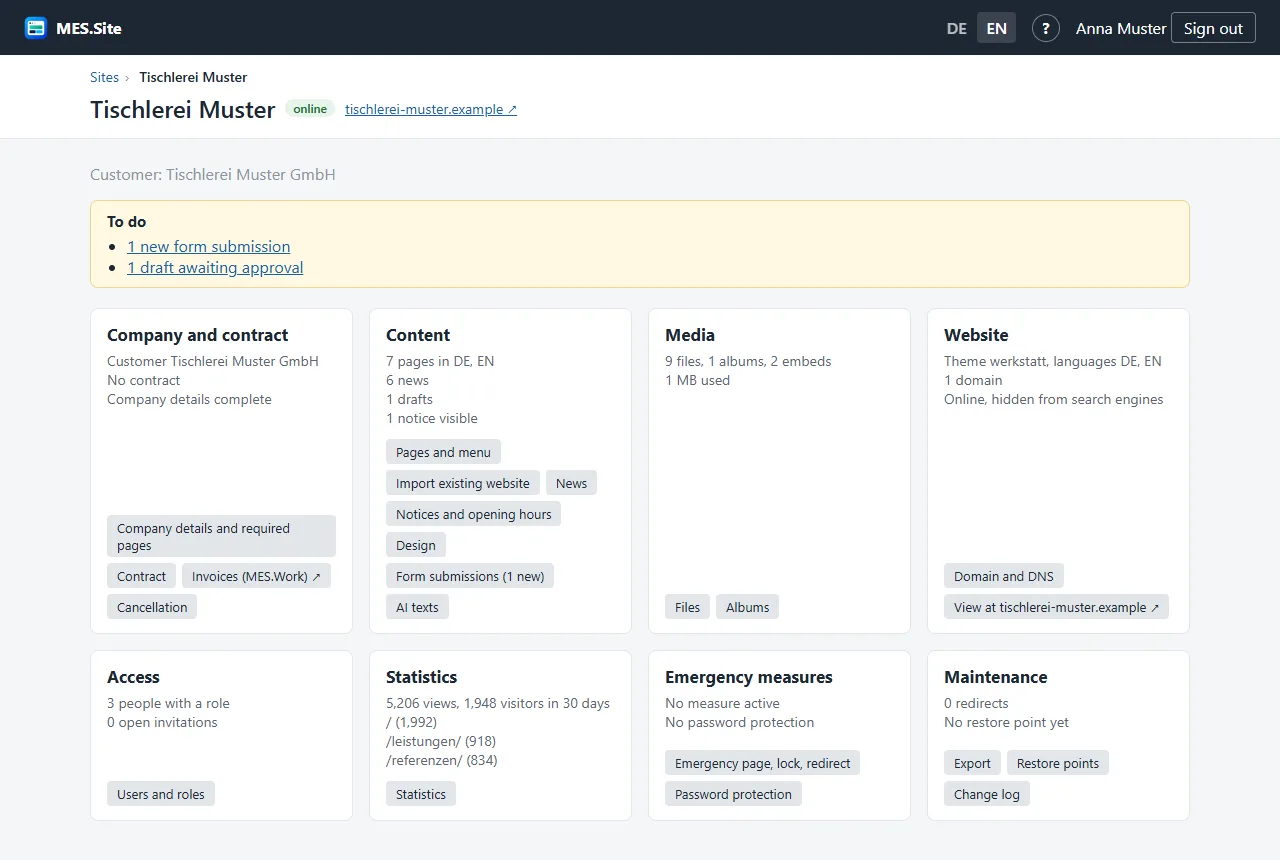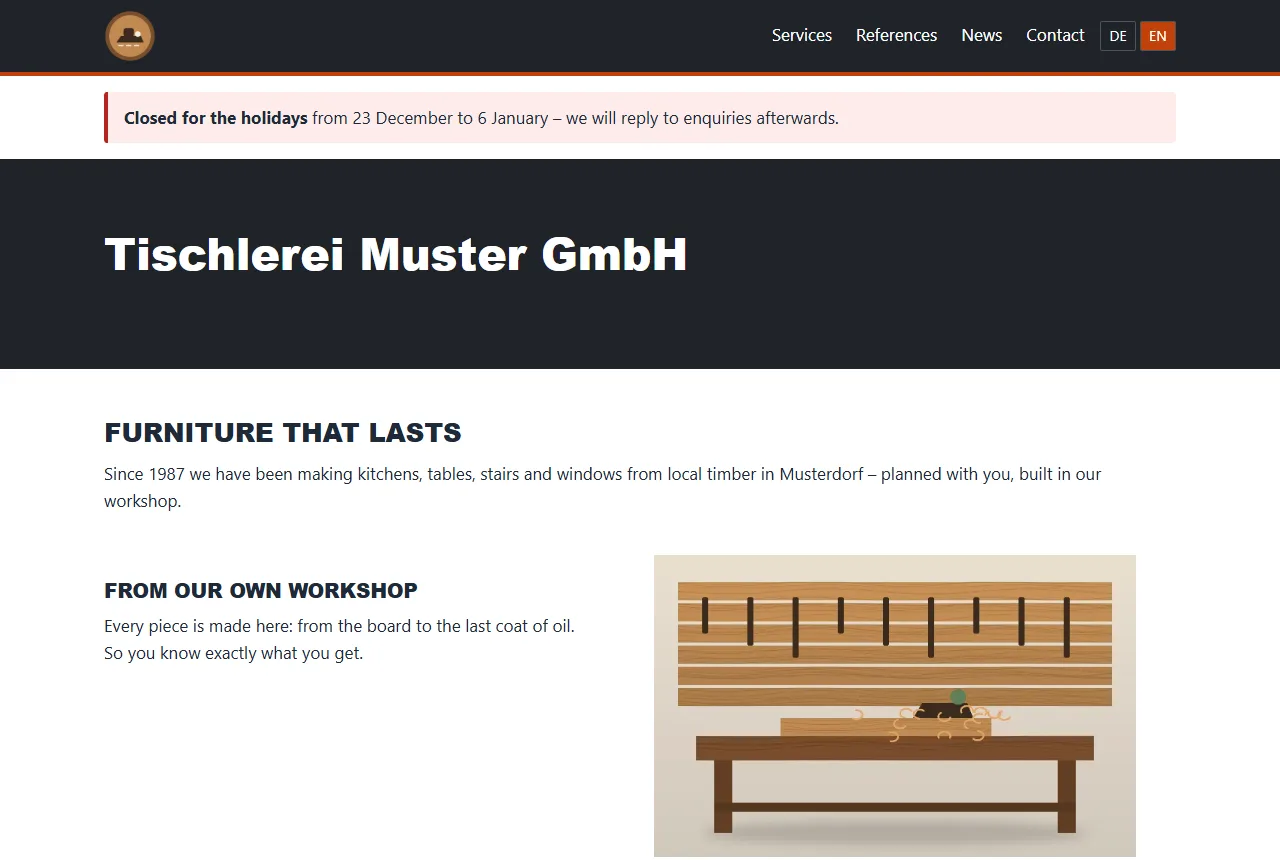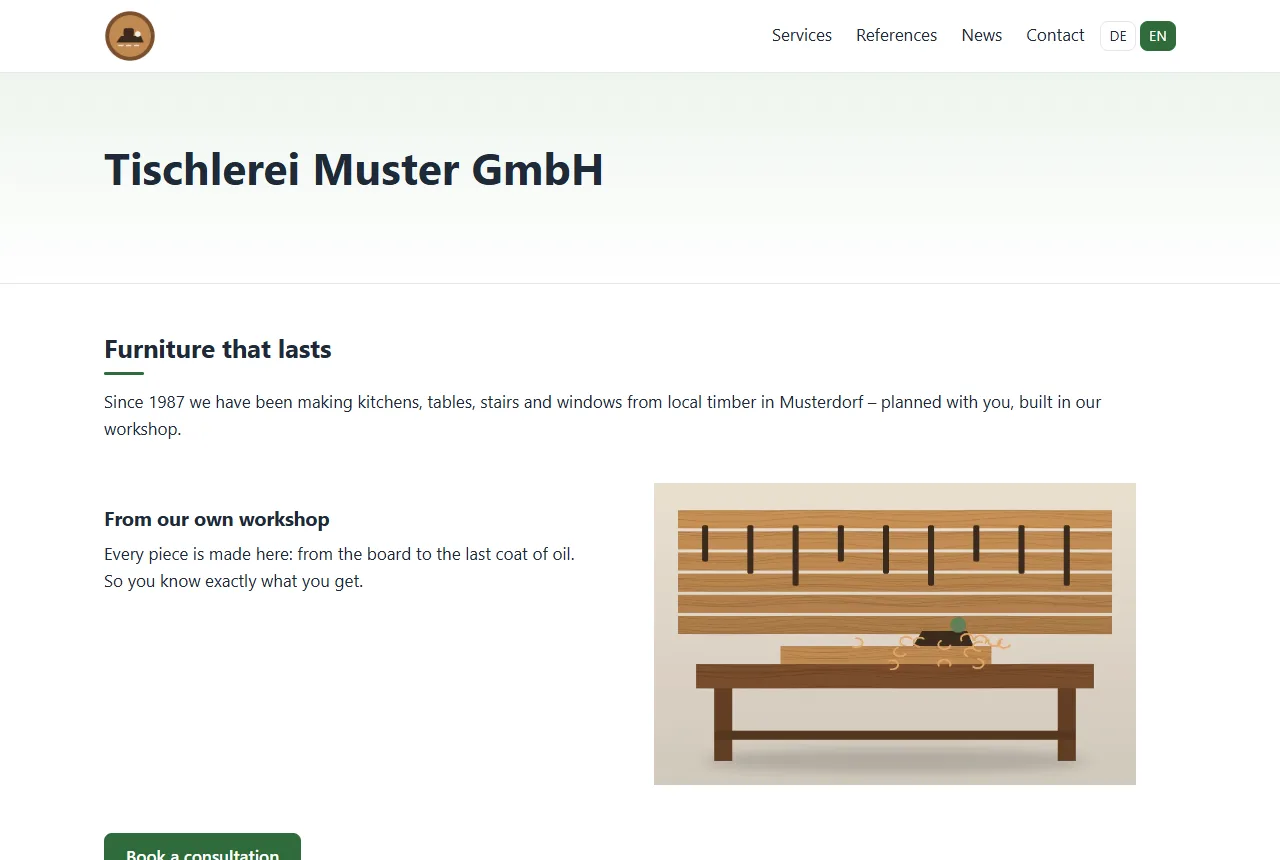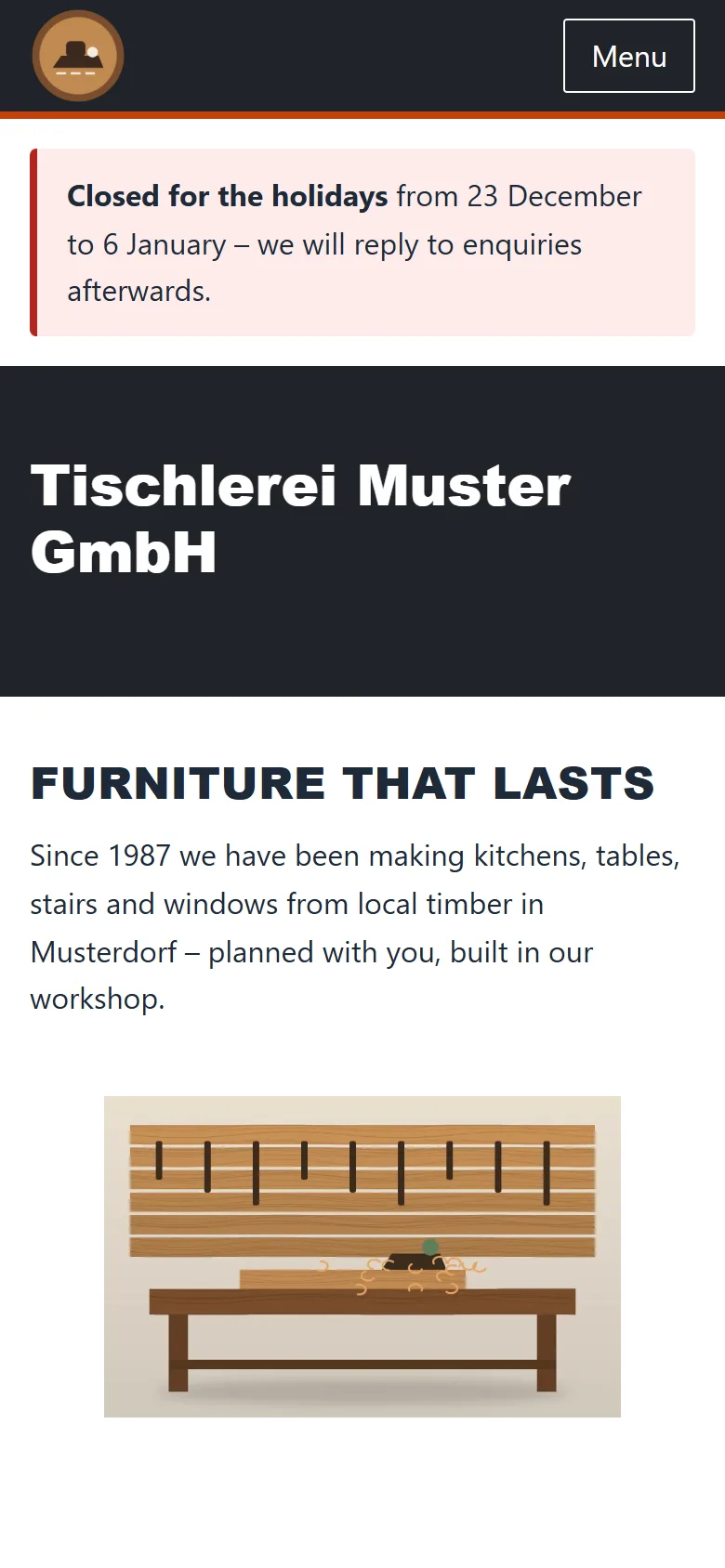
Page editor with preview
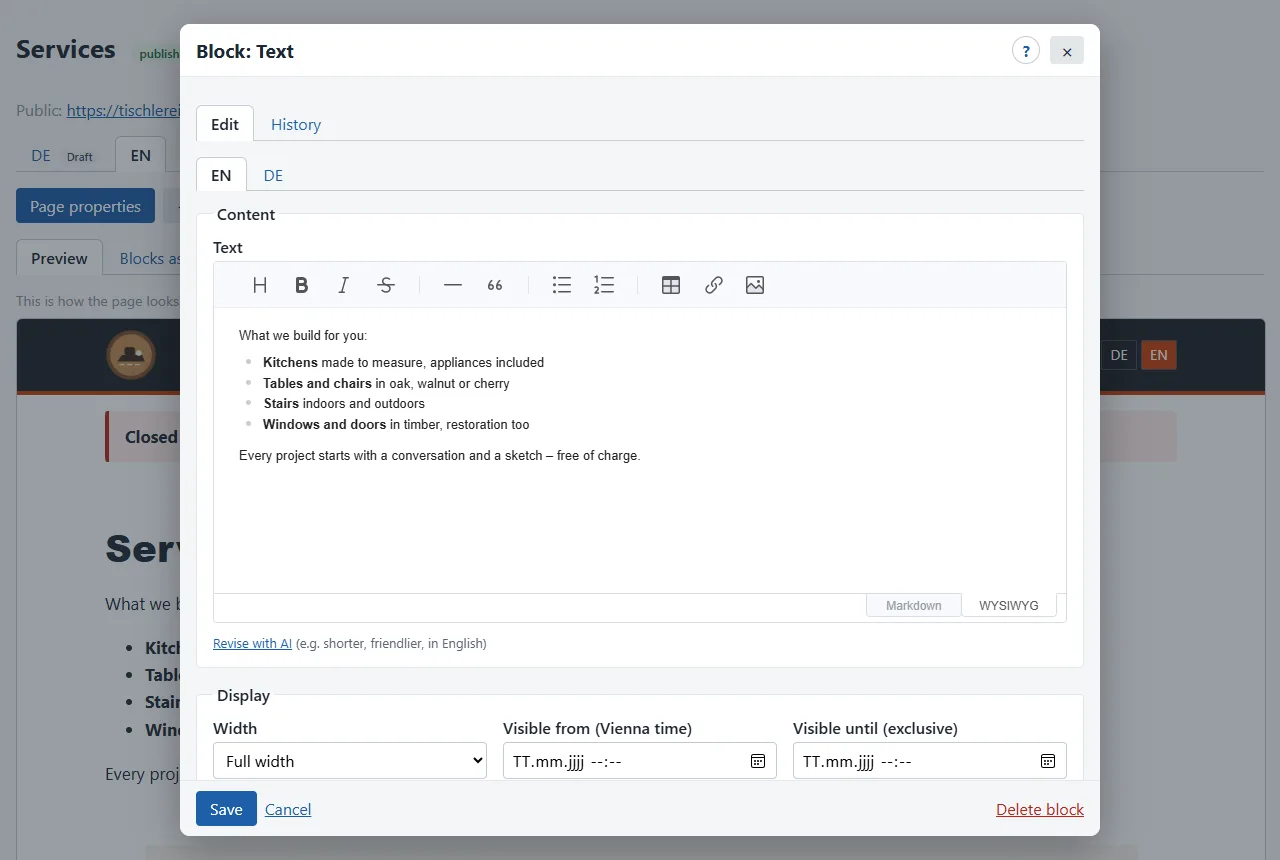
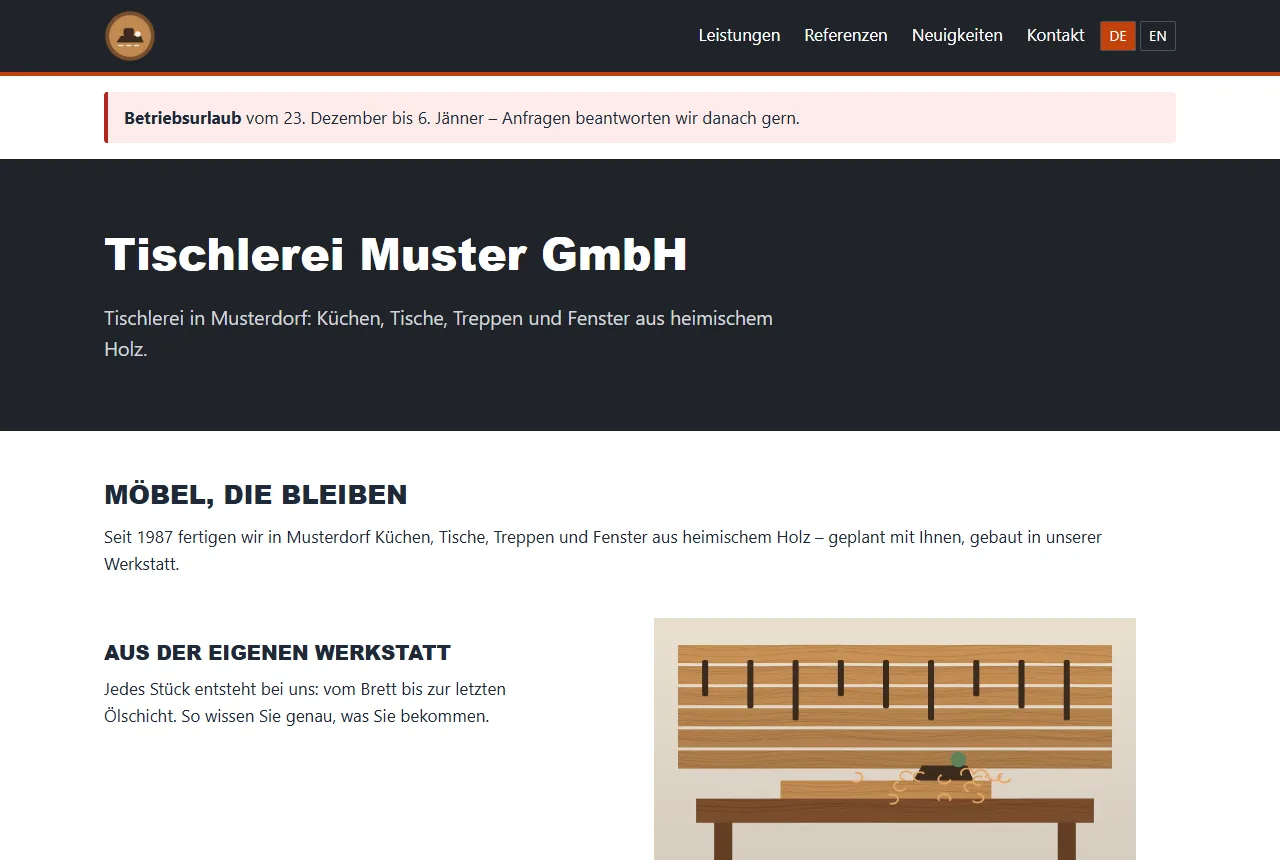
Editing happens right in the preview: point at a block, edit it, move it or insert a new one below. The preview shows the page exactly as it will look online.
- Drag blocks with the mouse or move them with ↑/↓
- A tab per language, missing translations marked
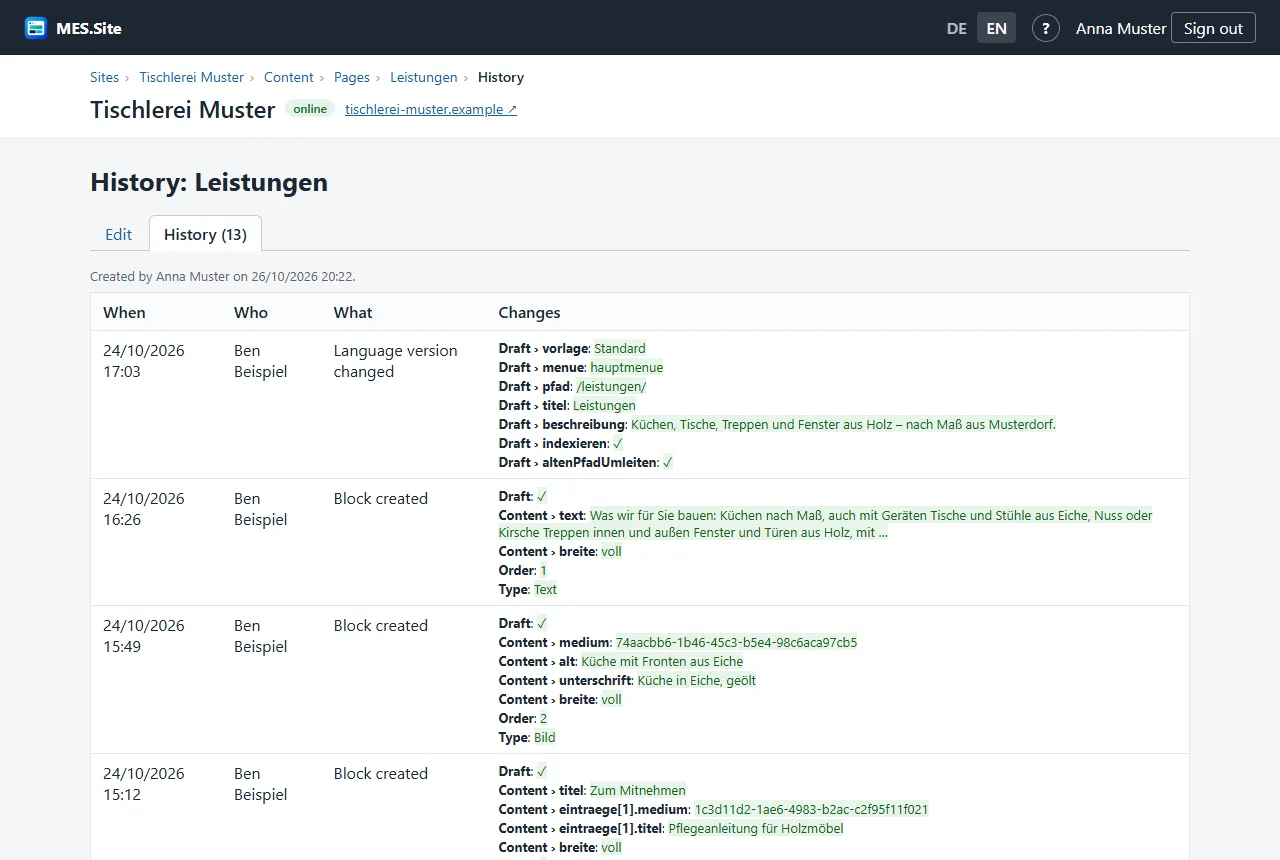
- Changes as a draft, publish or discard
- Editing in a pop-up without leaving the page